

HR requests decided in minutes instead of days
Time off, overtime, advances and benefits are checked against your HR policy by AI agents, and managers only see what needs them.
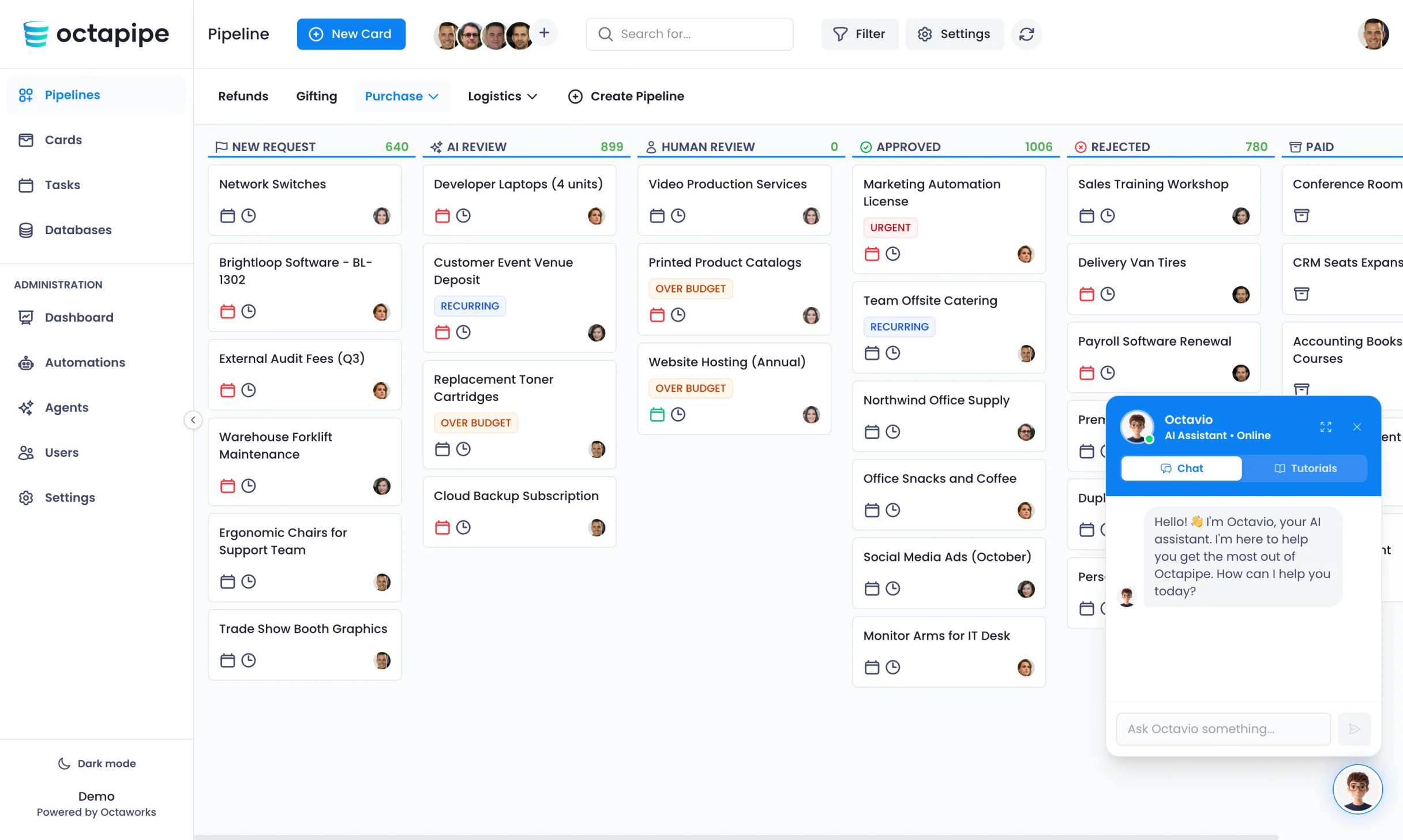


Every employee request in one card
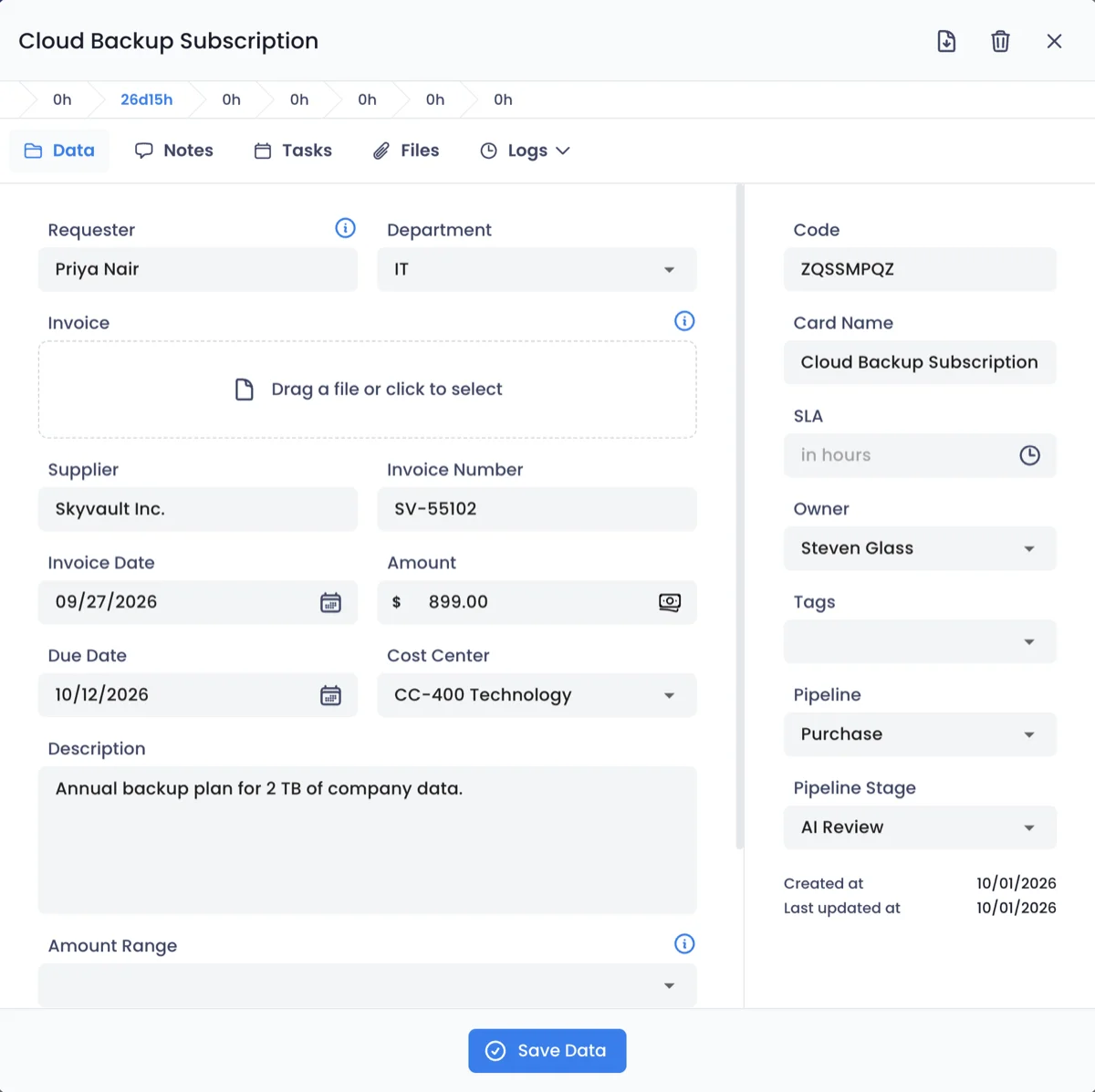
Each time off, overtime or payroll request opens as a card with the fields HR needs, a checklist of tasks and the documents attached. Nothing gets lost between spreadsheets.
- Fields for dates, hours and employee
- A checklist from request to payroll
- Certificates kept with the request
An agent for your HR policy, set up in minutes
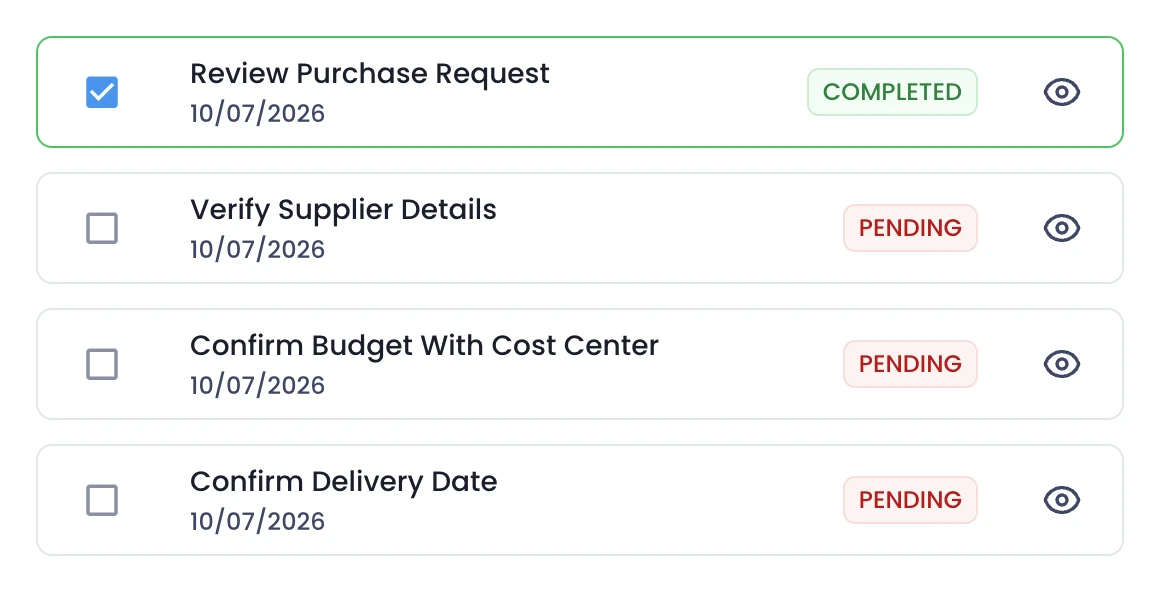
Write your rules for time off, overtime and benefits in plain language, and choose where approved and rejected requests go. Your team decides how much the agent can do alone.
- Rules for time off, overtime and benefits
- Approved and rejected stages you choose
- Autonomy from recommending to deciding
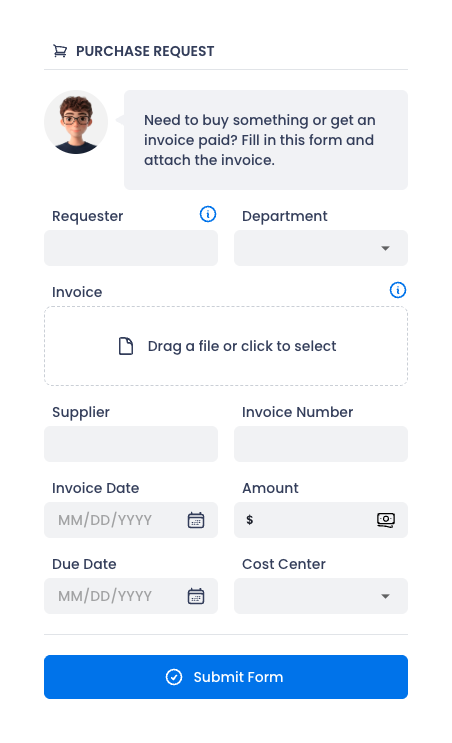
Receive employee requests through forms
Employees submit requests on a private form, from time off to benefit changes. They follow every step on a tracking portal, without asking HR for updates.
- Private forms for every HR request
- Available to the whole company
- A tracking portal for every employee

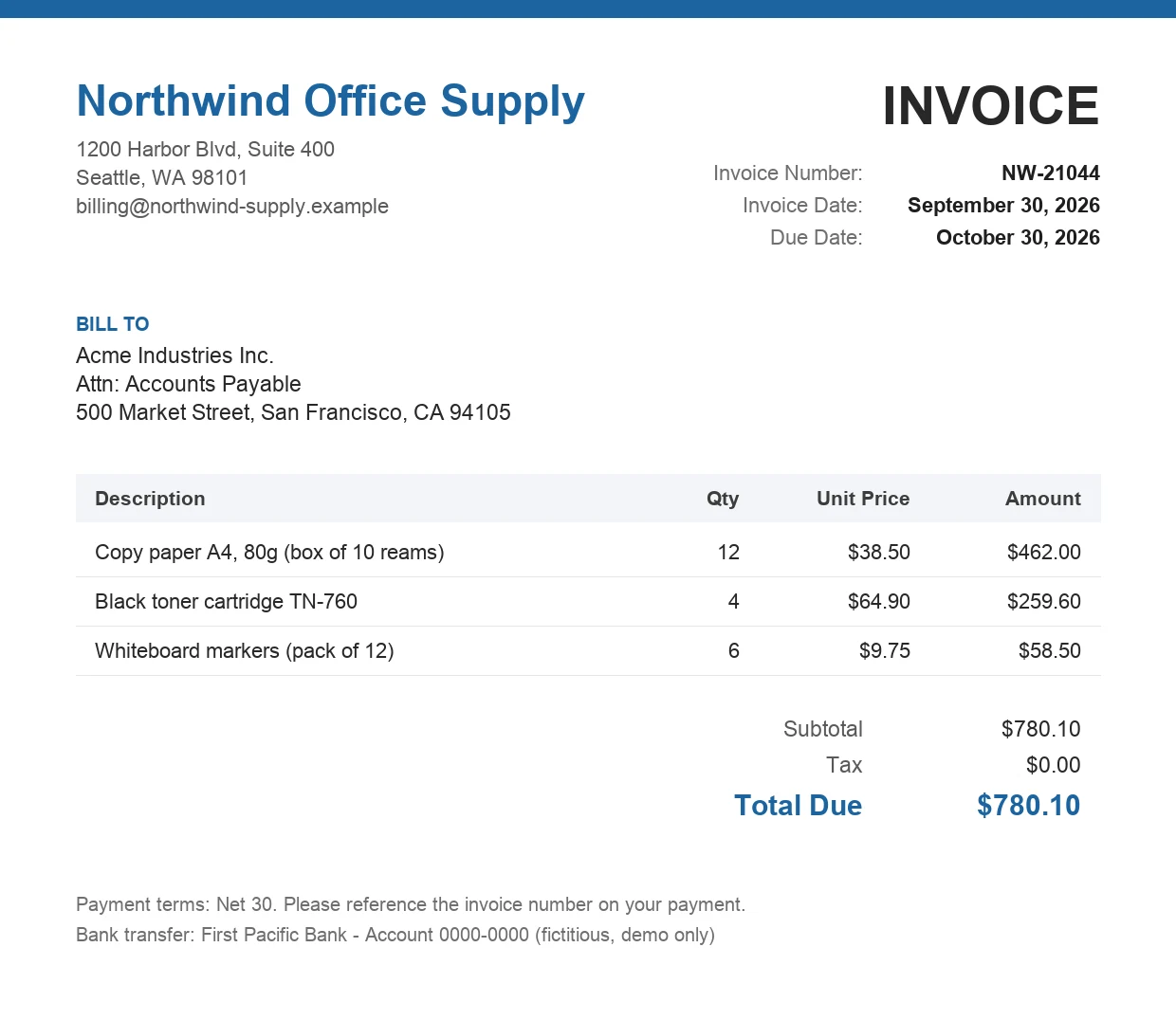
Certificates and timesheets checked automatically
The Document Agent reads medical certificates, timesheets and forms and checks dates, names and hours against the request, so nobody retypes them.
- Dates, names and hours extracted
- Mismatches with the request flagged
- Missing or unreadable documents caught early
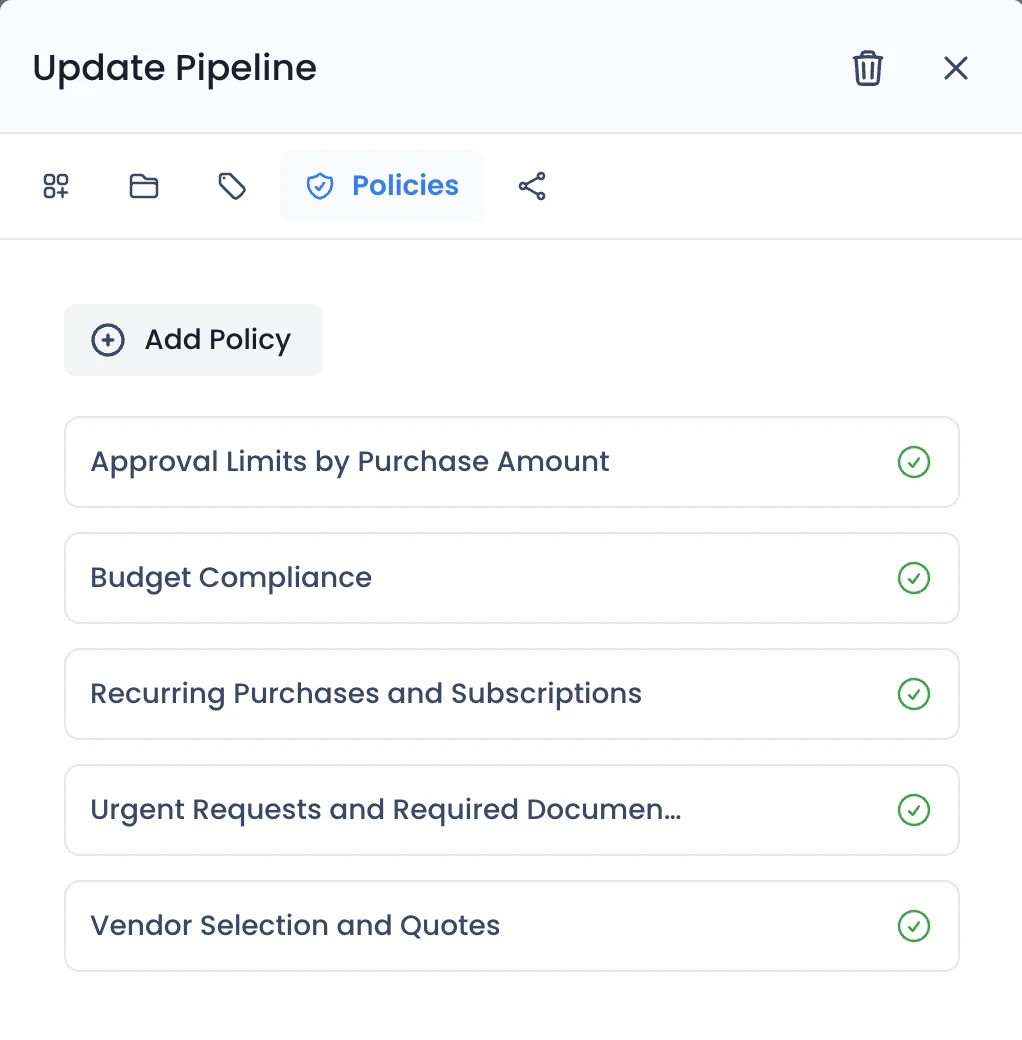
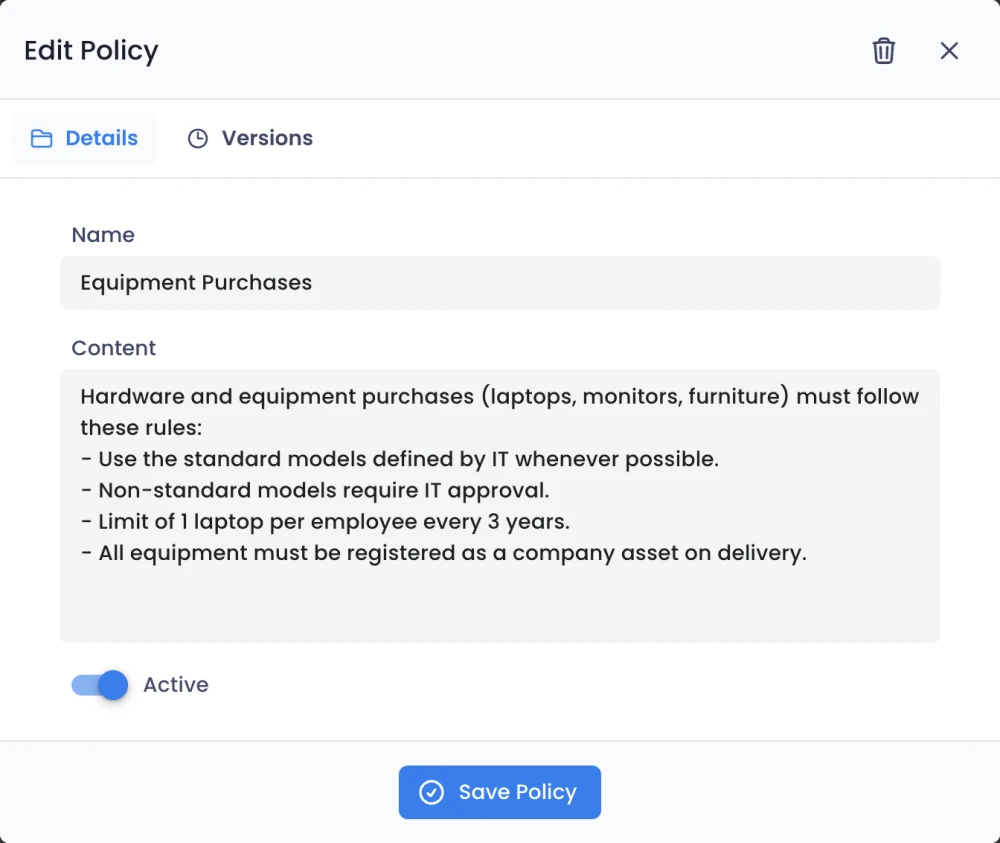
Your HR policies, applied to every employee request
Write your rules for time off, overtime, benefits and payroll in plain language. Edit a policy and the agents apply it to the next request, with the old version kept on record.
- Rules for time off, overtime and benefits
- Separate policies for each pipeline
- Versions saved for every change
Every employee request stays on record
Every check and decision is logged, whether an agent or a person made it, so labor audits and internal reviews are a search, not a project.
- A timeline of every check and decision
- Who decided, and based on which rule
- Ready for labor audits and reviews
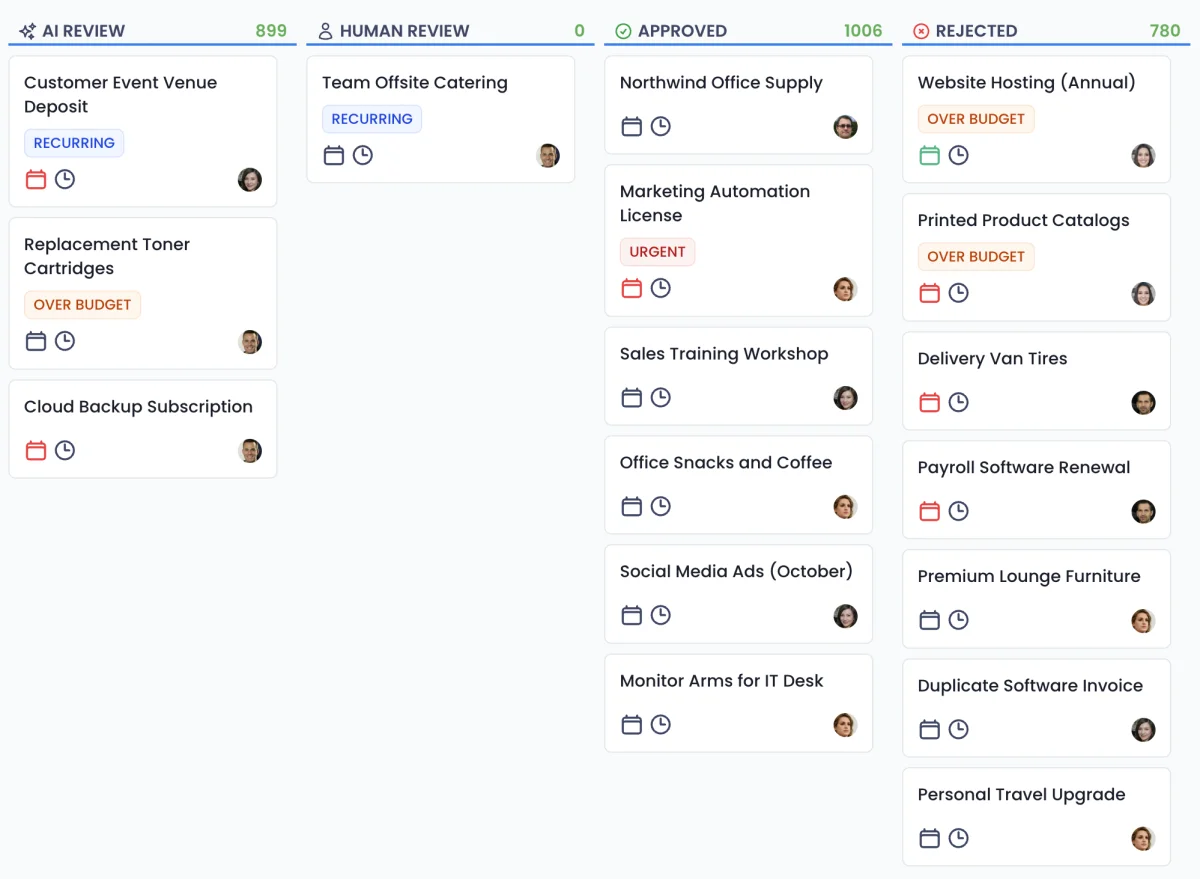
Approval flows you can hand to AI agents
Examples of requests the agents review, the rule they apply and what happens next.
- 1
Time off
Request
5 days of vacation in July
Policy
Vacation needs enough balance and at most 2 people off in the same team.
Agent checks
- 12 days of balance available
- Only 1 teammate off that week
- Requested 30 days ahead
Result: Approved automatically
- 2
Overtime
Request
6 extra hours to close the quarter
Policy
Up to 10 overtime hours a month, approved in advance by the manager.
Agent checks
- 3 hours used this month
- Manager pre-approval on file
- Within the 10-hour cap
Result: Approved automatically
- 3
Sick notes
Request
Medical certificate for 2 days
Policy
Certificates must be signed, dated and sent within 48 hours.
Agent checks
- Signed and dated
- Sent within 48 hours
- Dates match the absence
Result: Accepted and absence recorded
Four agents, one review.
Each agent handles one part of the review. Every request passes through all four before a decision is made, and you can see what each one did.
Policy Agent
Reads your rules
Turns your written policy into the criteria every request is checked against, and updates them as soon as you edit the policy.
Document Agent
Reads documents & files
Reads invoices, receipts, quotes and other attachments, extracts the key fields, and flags anything missing or unreadable.
Decision Agent
Approves or rejects
Applies your criteria to the request and its documents, approves or rejects, and records the reason behind the call.
Escalation Agent
Flags exceptions
Sends anything outside policy, or anything it isn't sure about, to the right person on your team with full context.
What our customers say


“We went live with Octapipe in one month, across our six distribution centers. Purchase approvals that used to take days now take hours, and purchasing got 80% faster. From the first quote to the final approval everything is traceable, and the data goes straight into Power BI.”
 Thiago C.Purchasing Coordinator

“We moved 90 licenses from another tool to Octapipe, and it was one of the best decisions we made for operations. Shipments and restocking now run in one flow, connected to Shopify and to finance, and our operation got 45% faster. Every team sees the same thing at the same time.”
 Frederico R.Head of Operations

“Every launch means kits for influencers, partners and campaigns that have to arrive on time. With Octapipe connected to Shopify, we track every kit and shipment in one place, and our campaigns now run 22% faster. Nothing slips through, and partnerships stay on schedule.”
 Jedeson C.Head of Operations
See your own policy at work
Describe your first process and let the agents review its requests today.